TL;DR
TL;DR: Yes — occupied capture is the standard workflow, not an exception. Walking-pace mobile LiDAR (80,000–120,000 sq ft/day, ±5mm) scans around people and production: hospitals off-hours, plants between shifts, offices during business hours. Prep is minimal; occupants keep working; processing removes them from the data.
Yes — and not as an exception. Most of the buildings worth documenting are full of people or production, and occupied capture is the workflow modern mobile LiDAR was built for. We have scanned a 120,000 sq ft hospital wing over two nights without a minute of unit downtime, live industrial plants between shifts, and a 250,000 sq ft distribution center without stopping a single aisle. Here's how it actually works, and what your building needs to prepare (spoiler: very little).
How does scanning work around occupants?
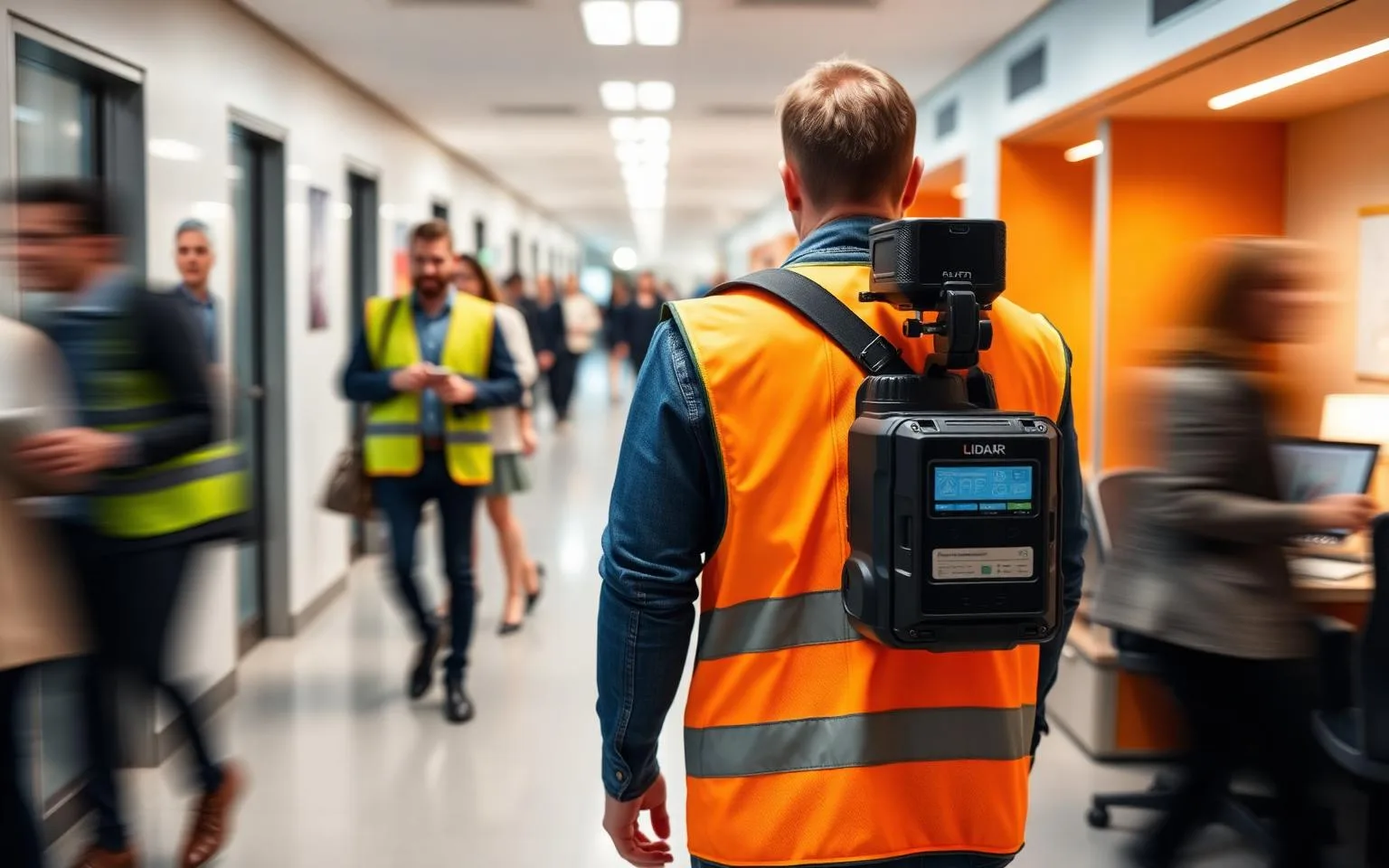
The equipment changed the question. Tripod-era scanning meant stationary setups every few meters — tripods blocking corridors, areas roped off, hours per floor. A wearable mobile system captures continuously at walking pace: the operator simply walks the building while the scanner collects geometry and 360° panoramas together, covering 80,000–120,000 sq ft per field day at ±5mm registered accuracy. People keep working; the scan flows around them.
Moving people do appear in raw data — and are removed in processing. Registration and cleanup filters transient objects, so the delivered cloud shows the building, not Tuesday's foot traffic.
What about hospitals, plants, and other sensitive environments?
Each has a standard playbook:
- [Hospitals](/industries/healthcare): off-hours and low-census windows, coordination with facilities and infection-control staff, phased capture by wing. Our hospital case study documents a 38,400 sq ft medical wing captured this way — precision and invisibility both delivered.
- [Industrial facilities](/services/industrial-3d-laser-scanning): capture between shifts or around live production under plant safety protocols. Non-contact scanning never touches equipment, and walking-pace speed keeps crews' exposure hours minimal.
- [Data centers](/industries/data-centers): fully non-contact, no tripods in aisles, escorted per security protocol — and the resulting dataset *reduces* future escorted visits by letting engineers verify remotely.
- Offices, schools, campuses: business-hours capture is usually fine; evenings and breaks when discretion matters. A 12-building campus was captured in nine field days largely around normal operations.
What preparation does an occupied building actually need?
Less than most owners expect:
- Access planning, not clearing. Furniture and equipment stay put — the scan documents around them. Only remove temporary obstructions hiding permanent features you specifically need captured.
- A walk-order and escort plan for controlled areas, set during scoping.
- Ceiling access decisions. If the scope includes above-ceiling MEP, we plan a tile-lift grid with your facilities team — the one activity that benefits from scheduling around occupants.
- Notice to occupants. A one-paragraph heads-up prevents every question a person wearing a scanner otherwise generates.
Our site-prep guide covers the complete checklist.
Does occupied scanning cost more?
Sometimes, modestly — and access conditions are the honest reason. Off-hours windows, phased capture, badging, and escorts add field time, which is why the same square footage can land at different points in the $0.05–$0.20/sq ft band. What occupied scanning *doesn't* cost is disruption: no closures, no production loss, no emptied rooms. Compared to the alternative — shutting spaces down for a manual measuring campaign, or designing from wrong drawings — it's the cheapest option on the table.
When should an occupied building be scanned?
Before the decision that needs it: renovation design, equipment purchase, lease negotiation, recurring progress documentation on active projects. The capture takes hours to days; the dataset serves for years as the building's permanent as-built record. If your building can't stop — that's not a reason to postpone documentation, it's the reason the workflow exists. Tell us about the facility and we'll scope capture around its real access windows.